

Differentiation in personal productivity apps: tools for ADHD
Using IA as a USP for personal project management isn't going to last for long. Let's look at new ways of fixing the same problem

Let’s start with the problem of market saturation. Plenty of productivity tools and project managers exist. To differentiate, you get apps like Motion which hinge on being fully automated by AI. But as AI makes its way deeper into existing tools* with already broad bases, what next?
*Let’s not forget that Asana’s founder was an early investor in open AI. We can expect to see quite deep integrations coming there.
What if we tackle the same problem of productivity but from a different angle?
Because ADHD productivity issues aren’t about needing a list, or a more fully featured productivity tool.
If it were just about having lists – we all have phones with free lists and calendars on them for free.
Today’s apps and web services and tools round-up are specifically geared toward helping people with their productivity problems.: the things that cause us to not just use the lists, sit down, and follow through.
Admittedly, one youtube link is in this list, but putting a youtube video up is a great way to validate a product idea before investing time and resources. It could easily become an app later.
1. APPS that help with time blindness
1. Structured – for Visualising your tasks in Timeline
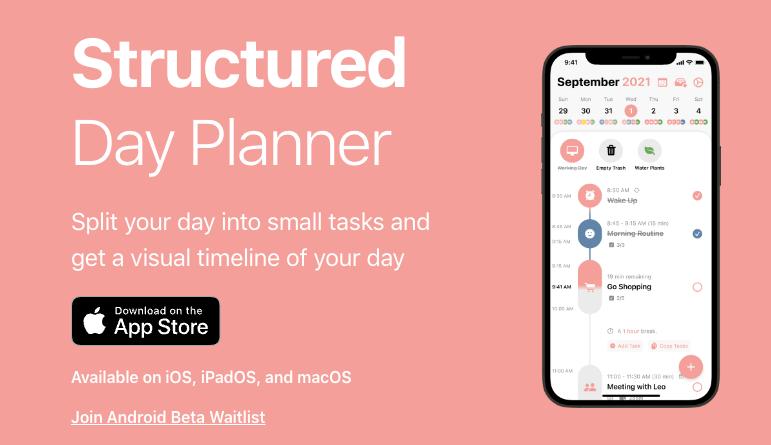
This app is pretty simple but powerful. It gives you a timeline of your day’s schedule and appointments with any todos you have at the top of the timeline (if they don’t have times assigned to them).
This lives on my phone and is essential for me keeping my daughters routine (somewhat) consistent over the weekend and when we travel, etc.
If something goes over the estimated time allocated to it, rescheduling is a case of dragging the tasks around the timeline.
My favorite thing is the app will tell you how much downtime you have in between appointments – or even from now until the next task or event if you hover over the timeline.
I won’t lie: I’ve used this to decide if I have time to go to X or start Y, many times.
This app is good if you’re still trying to find out what you’re optimal schedule looks like, because then you won’t need to re-jig anything.
2. Sunsama – for Mindfully Planning Your Workday Across Many Tools
Productivity youtube and TikTok never mention this one, but it’s golden.
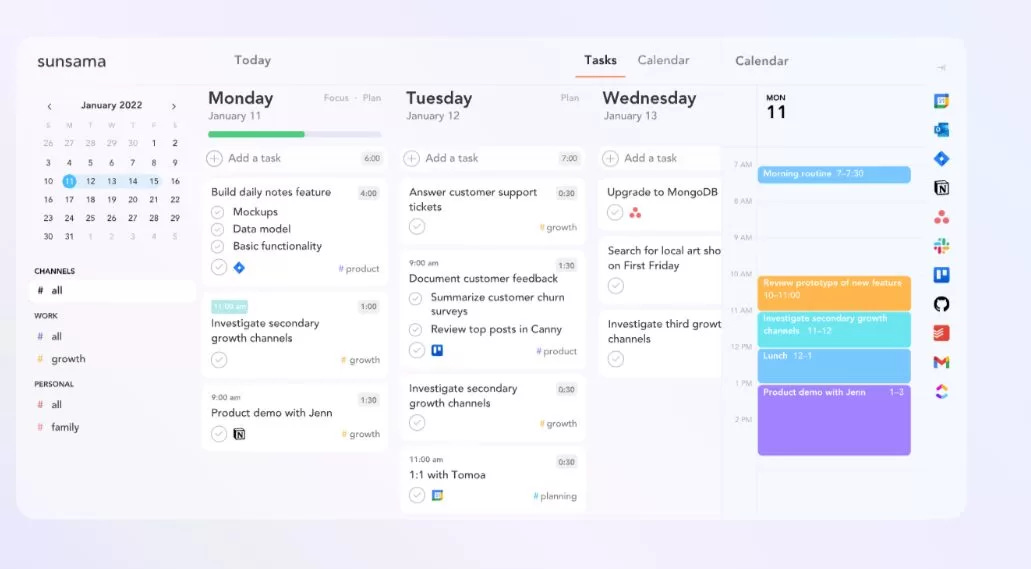
Sunsama isn’t a productivity or project management tool. It’s a tool for mindfully working on your priorities without overwork.
Sunsama’s main feature is its startup and shutdown routines. The app prompts you to discuss what you worked on yesterday, asks about your goals for the day, asks for time estimates, and what challenges you expect to face.
It offers nudges to reschedule tasks with no time estimate for another day. It has a bunch of small little features that make work more focused and mindful but never offers too much to get distracted with. It keeps you focused on moving forward.
Sunsama fully understands that you can’t just get the team to switch over to a new tool, so it doesn’t even try – it integrates with all the major tools you would use for a project or teamwork. If you’re the only person on your team who wants to do deep, calm work, so be it.
I love their blog article “Your day is not a project”. I’m vibing with this product a LOT.
2. For when you need noise in order to focus
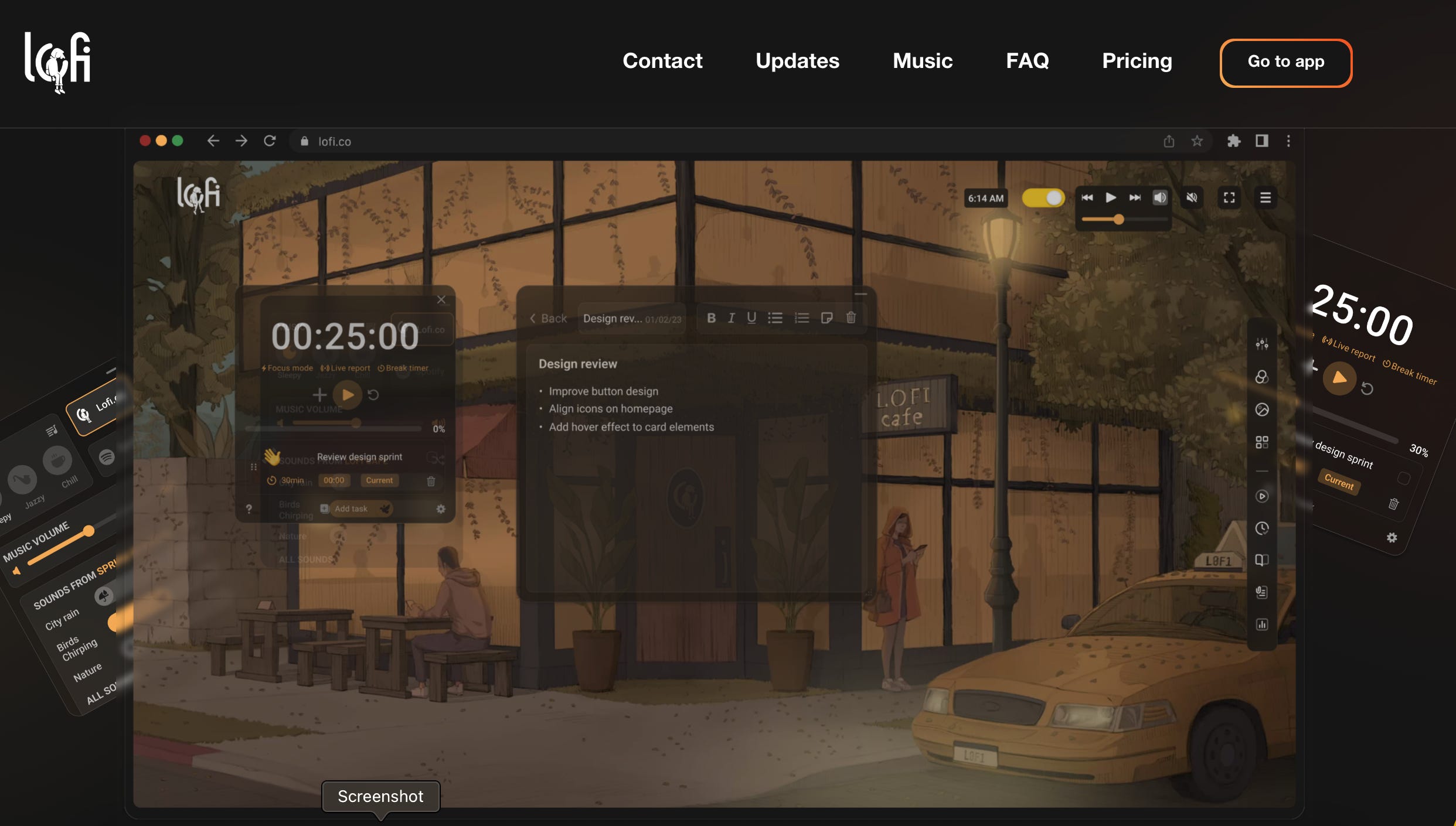
There are a lot of online Lofi music sites out there. Lofi.co is a freemium site that lets you customize your experience in terms of scene, sounds, and features. You can choose between day and night mode for the scene, and opt to have keyboard noises on or off over the music.
2. Brown Noise Pomodoro
If lofi isn’t your thing, brown noise helps a lot of people with ADHD focus. Here’s a brown noise Pomodoro on youtube that lasts 1 hour. There’s also an 8-hour version.
3. For People Who work better in cafes
If you’ve always been a person who just works better in co-working spaces or a cafe, these next apps are for you.
For some ADHDers, body doubling (having more people in the same room as you) is what works best.
Another option is to have an accountability buddy. This is a specific person to whom you’ll announce your goals for the day, and then let them know if those goals were met at the end of the work day.
1. Thinkdivergent – Cabify for finding an accountability buddy.
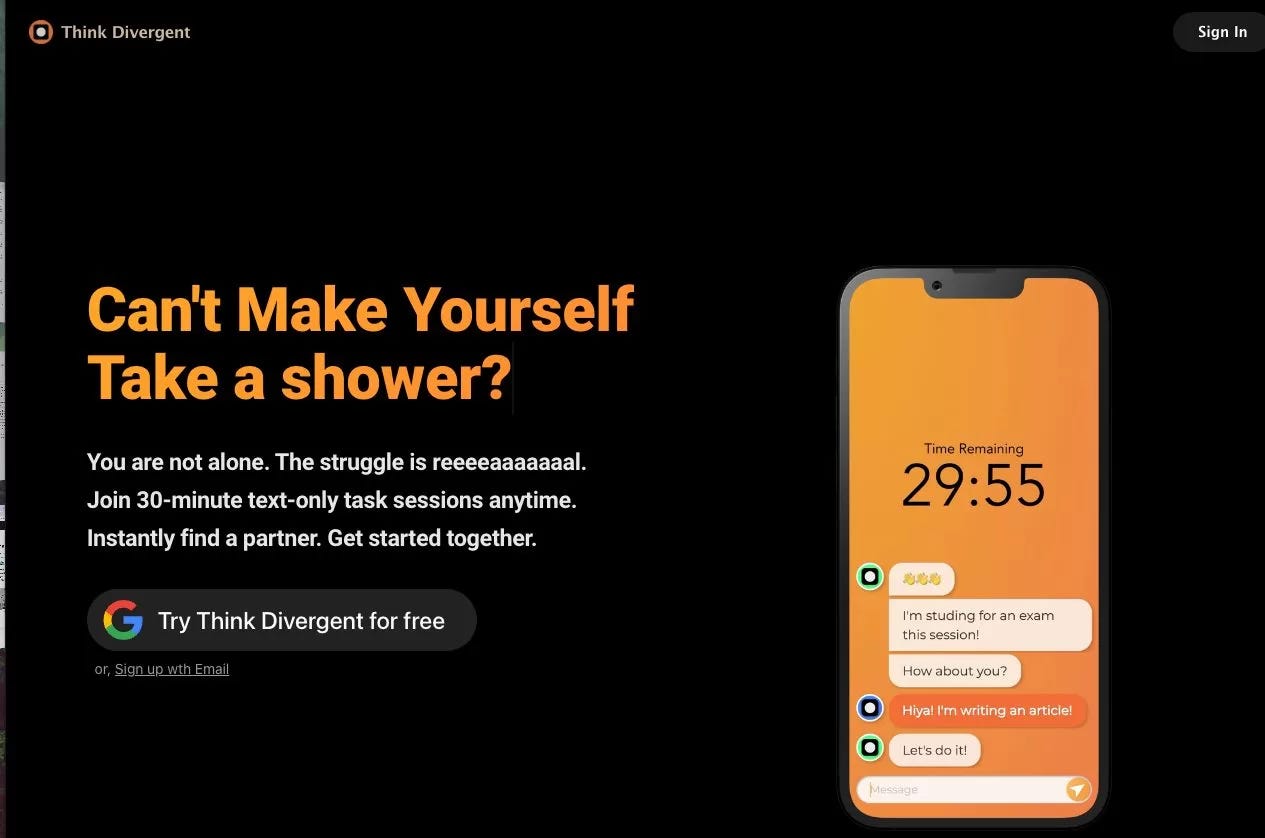
It’s free and so simple to match with someone, and you won’t wake up your partner if you work best at night, because it’s text-based.
2. Flown – when you need to see a face to be motivated
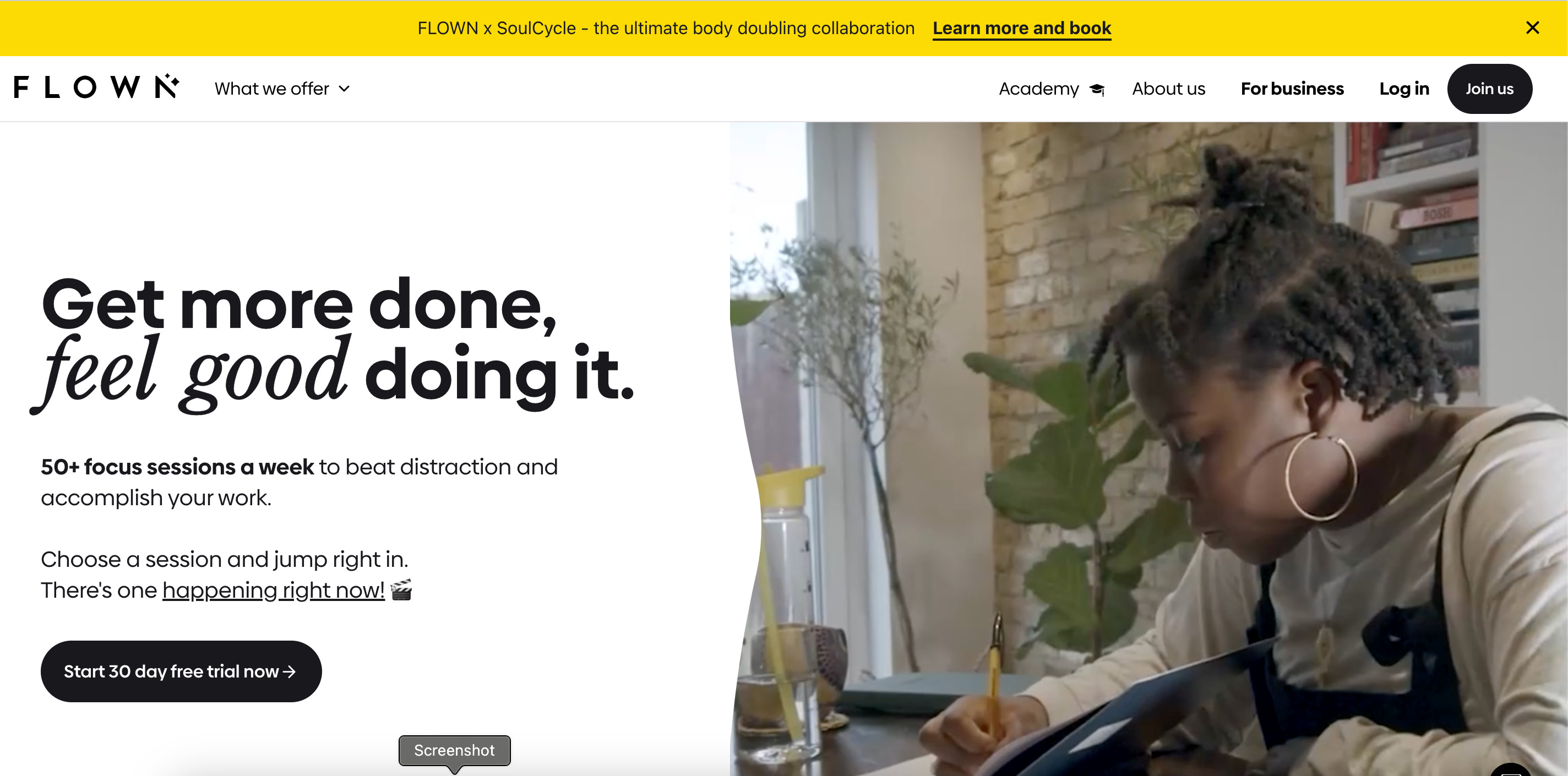
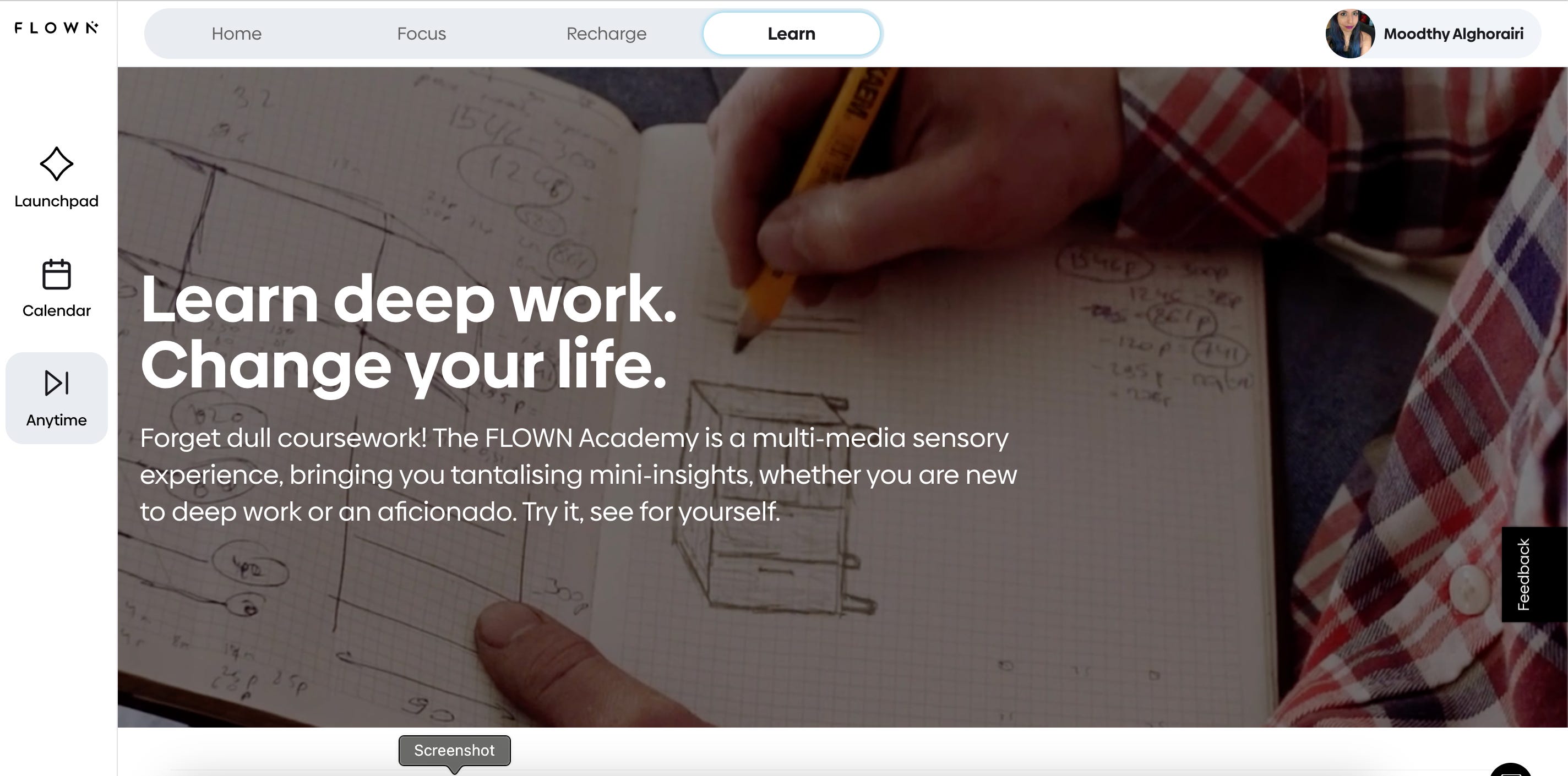
Flown is a paid subscription service, but they organize lots of remote co-working sessions you can drop in on any time. Part of the subscription price also includes focus sessions where one of their facilitators helps you plan your priorities. They also have resources on learning how to implement deep work.

It’s like having a gym instructor but for work.
They also have video content for taking a mindful break, HIIT exercises, and stress reduction, all in short increments that you can take between breaks.
4. For the Too-Easily Distracted
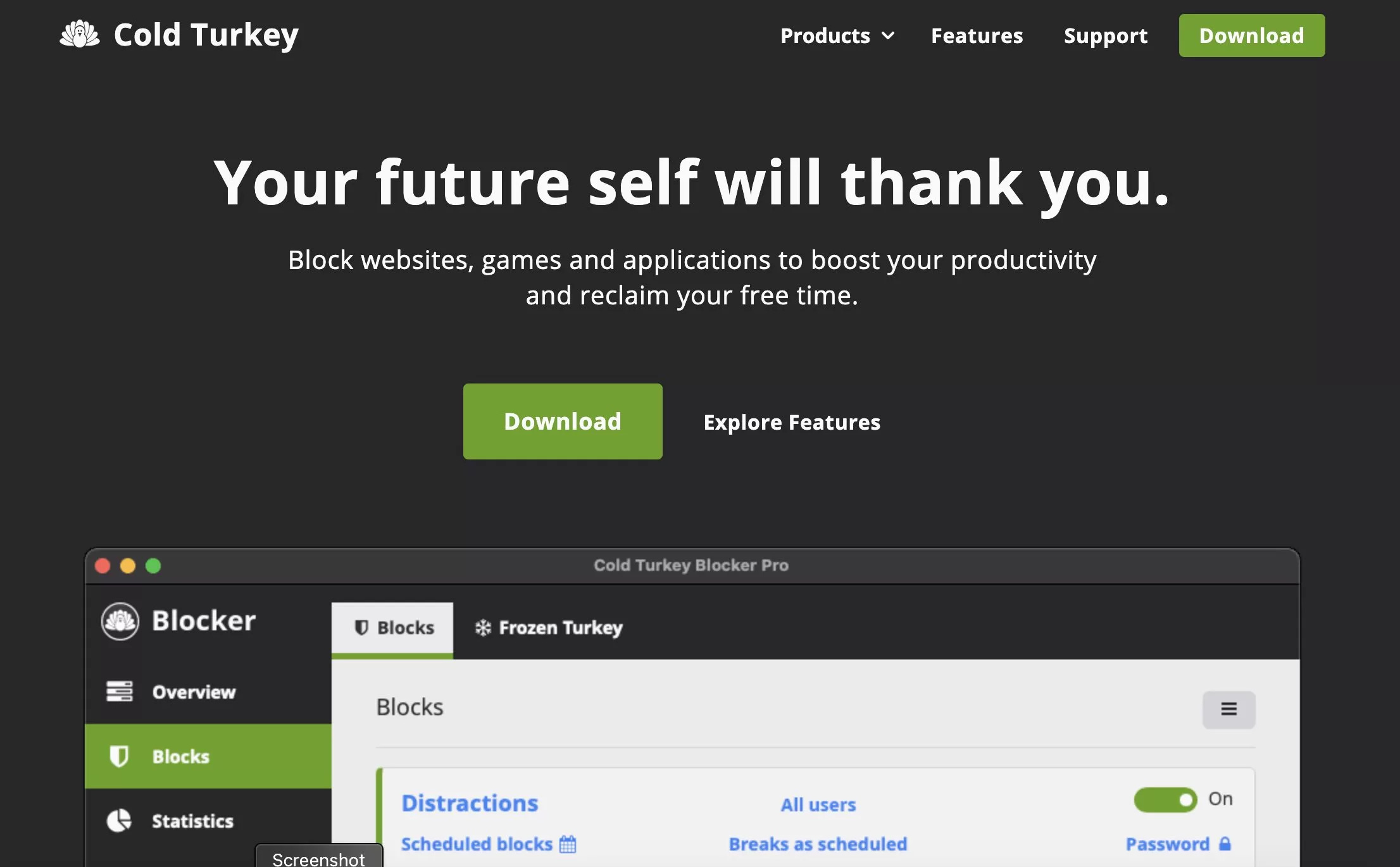
I bought Cold Turkey Writer and turned my laptop into a typewriter in a moment of would-be-author-angst. It won’t even let me use my writing tool of choice until I hit my word count or the time limit I set is up. It’s brutal but works.
And that’s just one of many (one-off payment, no subscriptions here) products they have for the easily distracted, depending on what kind of work you need to do.
There’s also a free version of Cold Turkey, in case you want to try it.
Conclusion
So what do you think? Is there a way you could approach the same problem in your category from a different angle?
Perhaps by deciding to solve a different problem that leads to the same outcome?
Have you seen any other products that tackle a problem from a completely new angle?
PS. This post is very similar to one on my wyld.media blog, but I’ve changed the products listed here to paid ones, rather than mostly free or very affordable ones for anyone with ADHD. If you would like to see those apps, head over to the Wyld blog.
🧪️ 💚 Things I'm testing
Things I'm testing over the last two weeks
Lemon8. Damn, it's so aesthetic here. Too aesthetic. I would need to level up my photography to post here. I feel it functions the way flipboard and bloglovin used to: Many people use it to write out blog posts and have the algorithm display the posts in an eye catching, visually oriented way. In other words: it's a visual discovery tool for longer form text content compared to insta, where no one reads the post captions.
Sunsama - I’m vibing with it a lot.
InoReader - it’s an RSS reader that lets you discover content by keywords across the web, reddit subs, telegram groups, and facebook.
I’m also giving Tick Tick a go since everyone is talking about it. It's ok, but I don't think I'll switch from Todoist, tbh.